
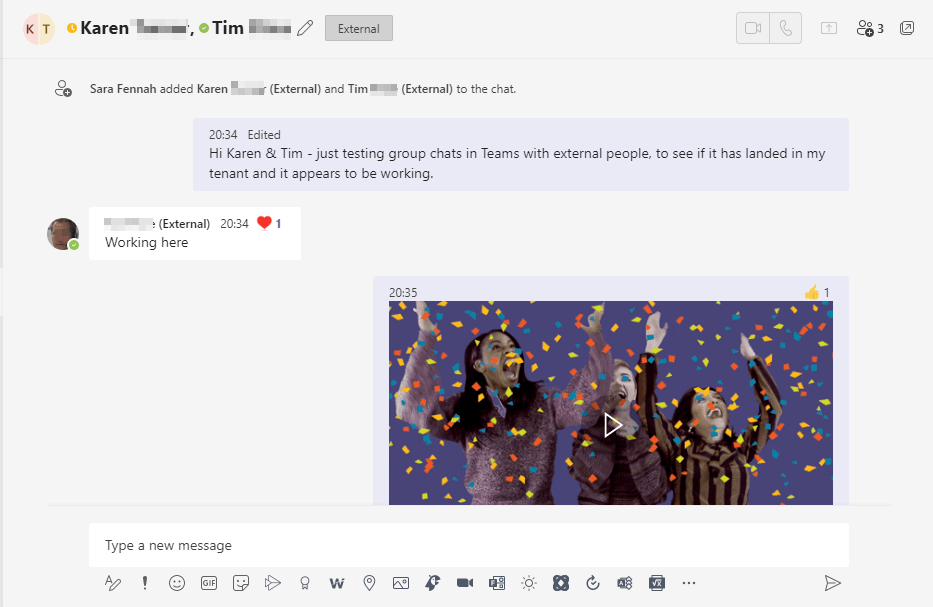
Group chats in Teams can now include external people. It’s as simple as creating any group chat in Teams. First, just make sure you can message the external people to be included in the group. In other words send them a Teams chat message. Then simply create a new group or add them to an existing group.
Start a New Chat
Click the new chat icon.
Enter the name of the person.
To send a message to someone in a different organisation use their full email address rather than just their name.
Compose your message
Click Send
Start a New Group Chat
Click the new chat icon
Enter the name of the first person, enter names of other people
Compose your message, use

to send a longer message.
Click Send
Add People to Chat
In the chat, click

Enter the name or email of person to be added

Choose the amount of chat history to be shared with new members
Click Add
Rename a Group Chat
Select the group chat
Next to names click pencil icon
Enter new name
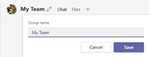
Click Save
 The Teams Queen Blog