
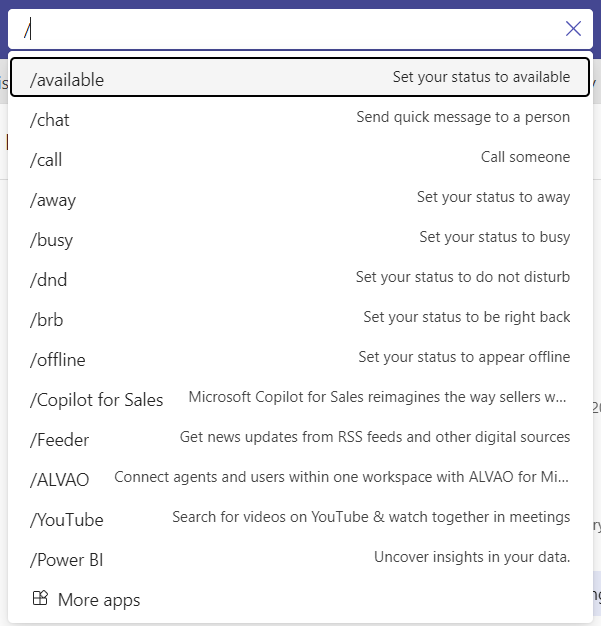
Microsoft Teams has had / commands before via the search bar. For example these screen shots are from October 2020 and show using the search bar in classic Teams with / and @ commands.


In New Teams the / list is shorter but still contains the ability to start a chat or call, as well as set your status and the @ command still allows me to find people and communicate with them directly.
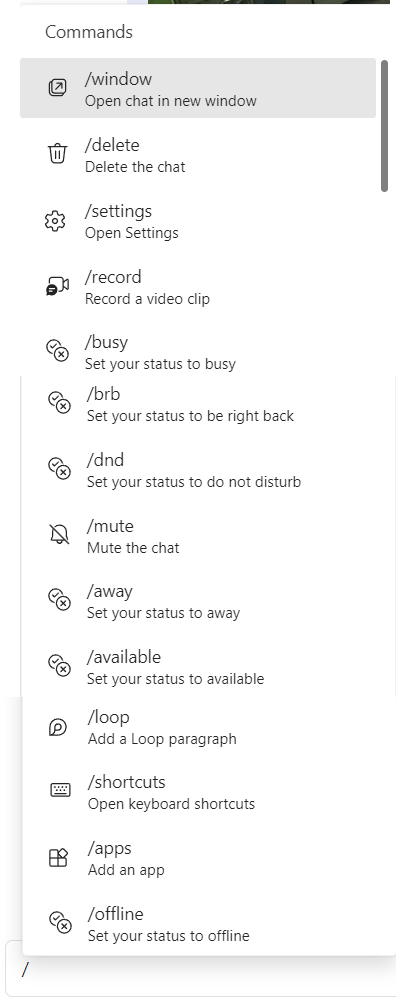
Now in May 2024 and announced as part of the Build 2024 news for Microsoft Teams is the inclusion of / commands in the message compose box which brings new options including starting the recording of a video message.
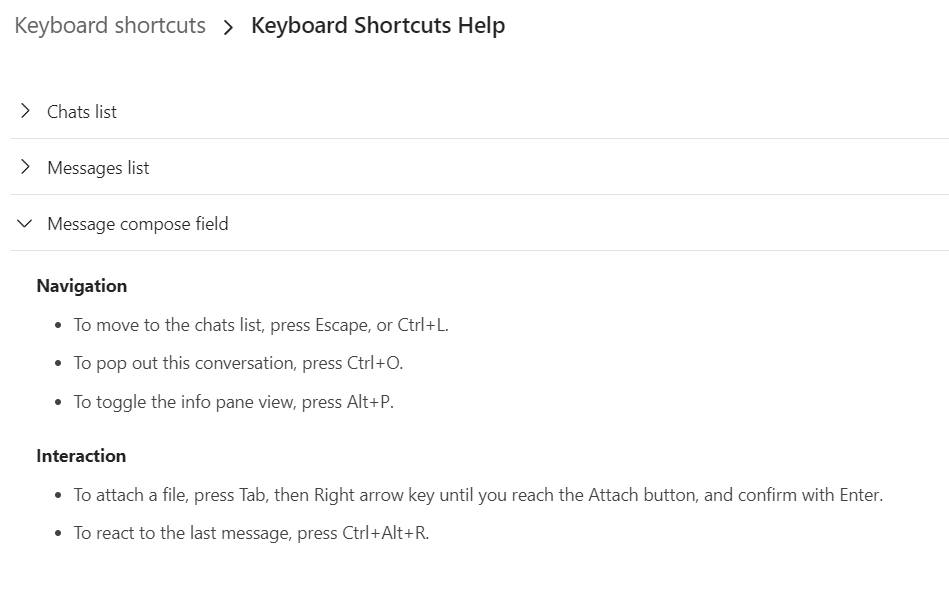
I also really like the integration of the shortcuts reference into this set of commands and this defaults to showing the shortcuts for the message compose bar, afterall that is where we opened it from.
 The Teams Queen Blog