

Testing out portrait mode on the Teams display
Category Archives: Super Users and Champions
The Viva Realist

Did you attend the Microsoft 365 User Group on 8th December 2021? Lesley Crook (Twitter Linked In) & I presented “Microsoft Viva: The Pitch, The Use, The Config”. Whilst Lesley is the Viva Visionary, I’m the Viva Realist, presenting the current state of the Viva tools as well as how to configure the Viva modules.Continue reading “The Viva Realist”
Microsoft Viva: A Plain Speaking Overview

Accompanying blog for Collabdays Lisbon 2021 Session Microsoft Viva: A Plain Speaking Overview
My First Custom Together Mode Scene
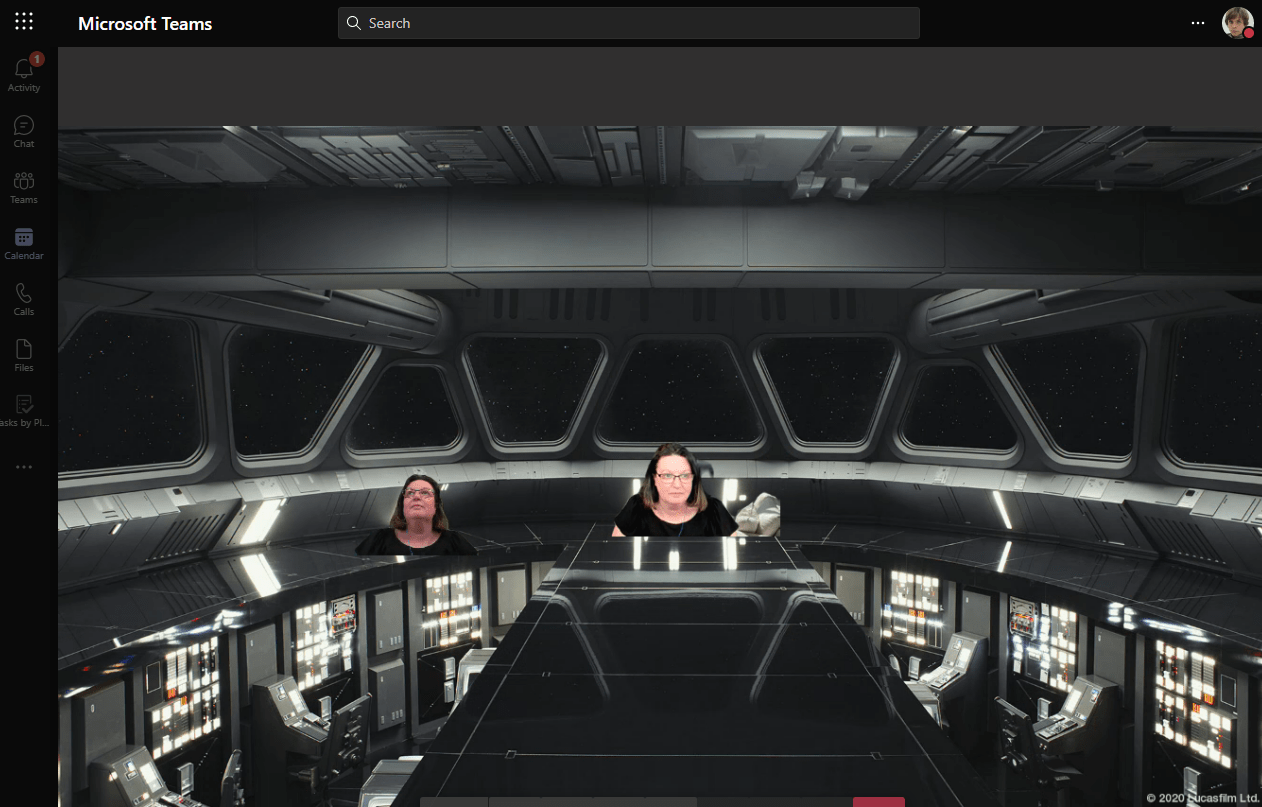
To accompany Build 2021, there is a new Teams blog with enhancements for developers. Have a read at https://techcommunity.microsoft.com/t5/microsoft-teams-blog/microsoft-teams-announces-new-developer-features-build-2021/ba-p/2352558 What caught my eye was the Together Mode custom scenes and it is surprisingly simple. Here’s the official guide https://docs.microsoft.com/en-us/microsoftteams/platform/apps-in-teams-meetings/teams-together-mode To create your own to test, navigate to https://dev.teams.microsoft.com/scenes and sign in with your Microsoft 365Continue reading “My First Custom Together Mode Scene”
Out of Office Automatic Replies
Did you know there are many options for setting your out of office or automatic replies in #Office365 including from #MicrosoftTeams
Some Observations on the Updated Account Switcher and Menu

The updated menu and account switcher updated functionality has landed in my Teams client as at 7th April 2021 (at least when its set to preview build) and I wanted to share a few observations with you. First up, note the message highlighting the changes The … Menu has settings in it and nice littleContinue reading “Some Observations on the Updated Account Switcher and Menu”
Transcription for Super Users

Following on from the post for end users on transcriptions in Teams meetings, here is the extra you need to know as a Super User. Privacy Concerns Both close captions and transcripts can display the name of the speaker, though there is a setting to control this for privacy purposes if required. This is aContinue reading “Transcription for Super Users”
External and Guest Communication in MS Teams
Originally posted on External & Guest Communication in MS Teams – Sara Fennah’s Blog (m365train.co.uk) June 2020 As more and more of our working life is conducted virtually and we communicate more using Microsoft Teams with internal and external people, it can be a challenge to determine which features we can use with whom. AsContinue reading “External and Guest Communication in MS Teams”
Delegated Team Meeting Creation
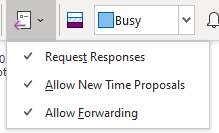
Lots of people don’t create the meeting invites for the meetings they run in this blog I will lay out what the issues are and then consider ways to avoid these when acting as a scheduler.
Manage Teams Meeting Options
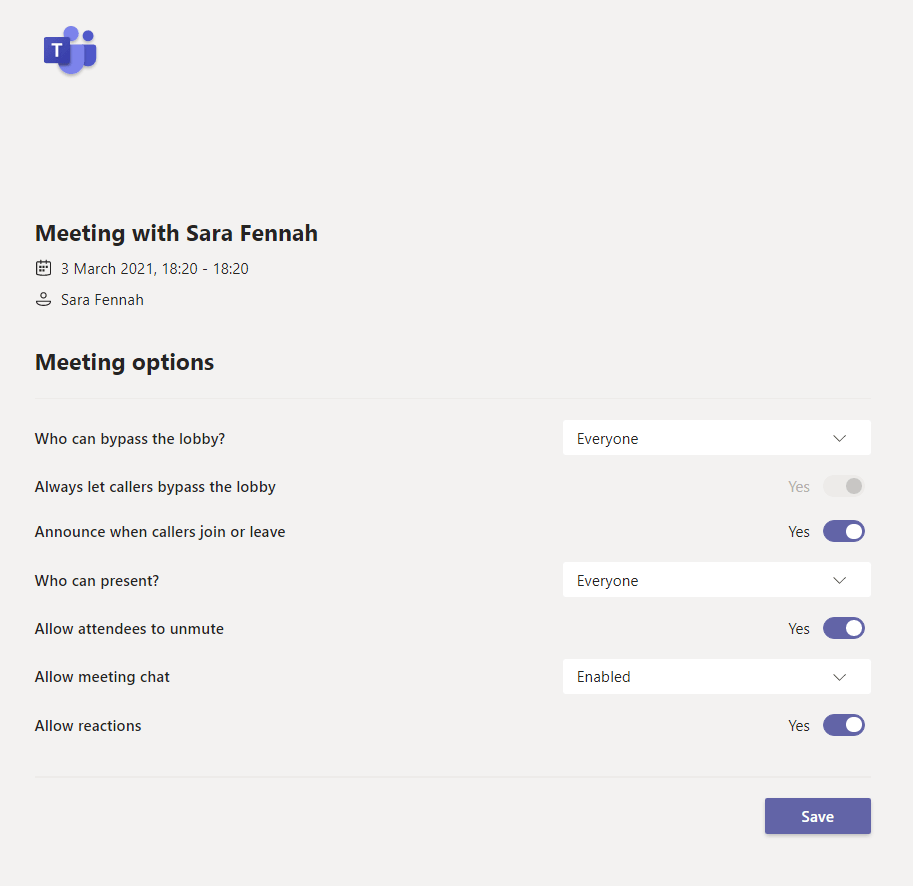
Teams meeting options are how you can control who can do what in your meeting. In the Education sphere this control is essential but they are also very useful in many other scenarios.
 The Teams Queen Blog