

Teams Panels are designed as meeting room companion devices to show when meeting rooms are booked
Category Archives: End User
Comfy or Compact Teams Chat?
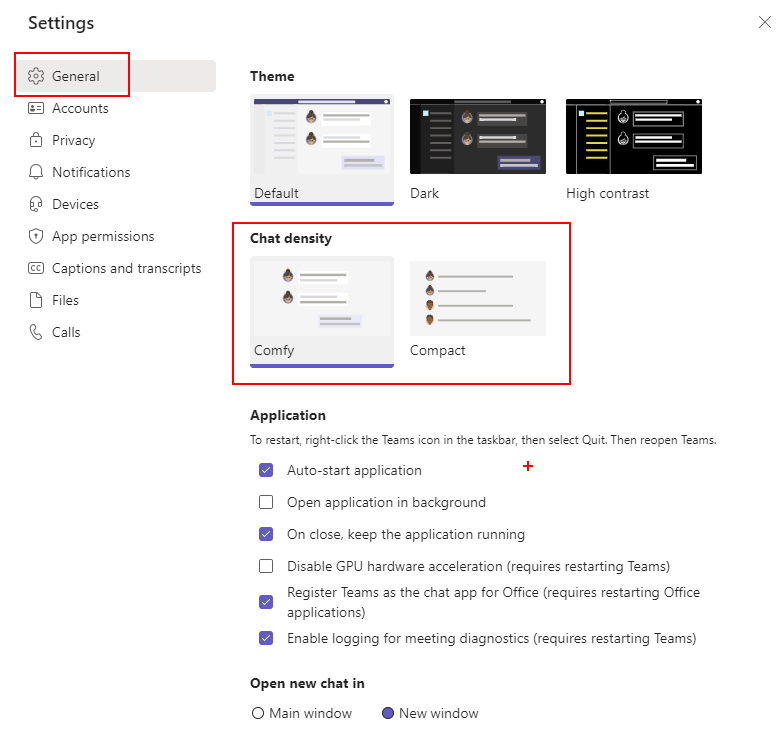
Get more chat on your screen with Team compact mode
Keeping your Focus in Meetings
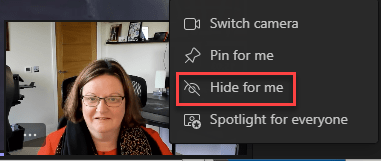
Distractions in virtual/hybrid meetings & training courses are a big pain point, so make the most of the video focus tools to help you get the most of your Microsoft Teams meetings and webinars.
Stop Drowning in Notifications

There is a new feature rolling out to Teams to allow you to mute most Teams notifications when you are in a meeting or on a call. You can either switch it on for all meetings on on a meeting by meeting basis. To mute for all meetings and calls go to Settings, choose NotificationsContinue reading “Stop Drowning in Notifications”
Cameras On!
As we approach 2 years of intensive virtual meetings, the debate about cameras on or cameras off still rages on. This is especially true with virtual training
Teams Display Portrait Mode

Testing out portrait mode on the Teams display
First Steps Using Viva Learning

Getting started using Viva Learning
A Busylight with Microsoft Teams
Recently I was asked if I knew of any busy lights for Mcirosoft Teams. Remember those days when you would walk down the office to see a colleague rather then check their Teams presence? With hybrid working the presence indicator in Teams is still important but its needs extending into our physical spaces too. PersonallyContinue reading “A Busylight with Microsoft Teams”
External People in Group Chat in Teams
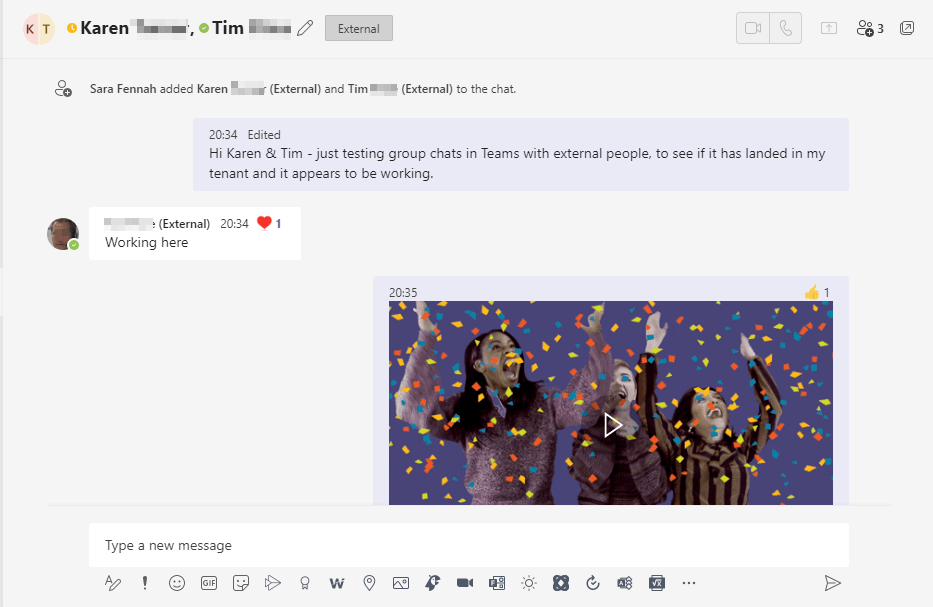
Group chats in Teams can now include external people. It’s as simple as creating any group chat in Teams. First, just make sure you can message the external people to be included in the group. In other words send them a Teams chat message. Then simply create a new group or add them to anContinue reading “External People in Group Chat in Teams”
Out of Office Automatic Replies
Did you know there are many options for setting your out of office or automatic replies in #Office365 including from #MicrosoftTeams
 The Teams Queen Blog