
Have you ever tried to send a file to someone outside your organisation in a Teams chat, only to realise you couldn’t attach it directly? Good news: that’s changing! (If your admin enables it) A long time source of confusion in Microsoft Teams has been the fact that “attaching” a file in a chat withContinue reading “File Sharing in Microsoft Teams Chats including External People”
Category Archives: Admin
Getting Ready for Mesh Immersive Spaces
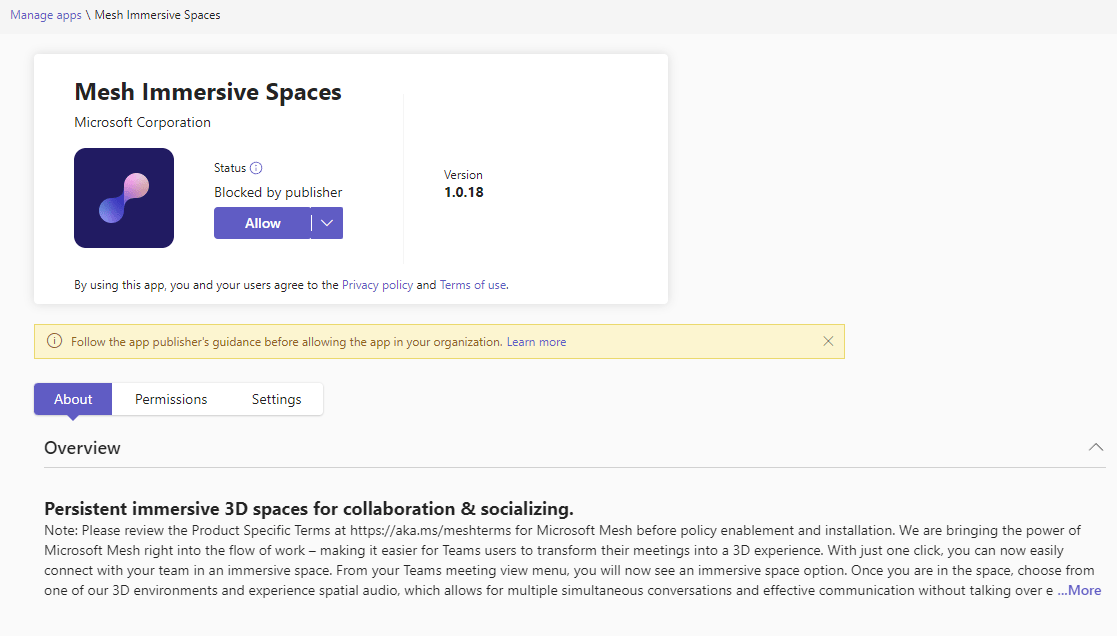
With Mesh Immersive spaces coming to public preview as announced on Sept 26th 2023, you may wish to prepare your tenant. Immersive spaces will only be supported in the classic client initially. To use immersive spaces in meetings users will need to be able to switch to the Teams public preview (see Microsoft Learn forContinue reading “Getting Ready for Mesh Immersive Spaces”
Prepare for New Teams
There are two new announcements about Microsoft Teams the administrator need to be aware of. These were published on June 30th 2023 via the Microsoft 365 Roadmap and in the Message Center. Teams administrators can set the New Teams control via an update policy in the Teams Admin Center or using Powershell. The default valueContinue reading “Prepare for New Teams”
Teams Premium Meeting Protection
Microsoft Teams Premium is an add-on to Microsoft 365 and brings additional features. In this blog series we’ll explore each of the 5 categories of features: I’ve also written an overview of Teams Premium and who needs it and a first steps guide for the public preview or all my Teams Premium articles on oneContinue reading “Teams Premium Meeting Protection”
Meeting Templates
Meeting templates will help users create meetings with the correct settings in meeting options as the template applies those setting automatically. The meeting templates also help with governance as they enforce the meeting options set in the template. Templated meetings published to the user show up on the New Meeting button in the Teams client,Continue reading “Meeting Templates”
Custom Video Filters
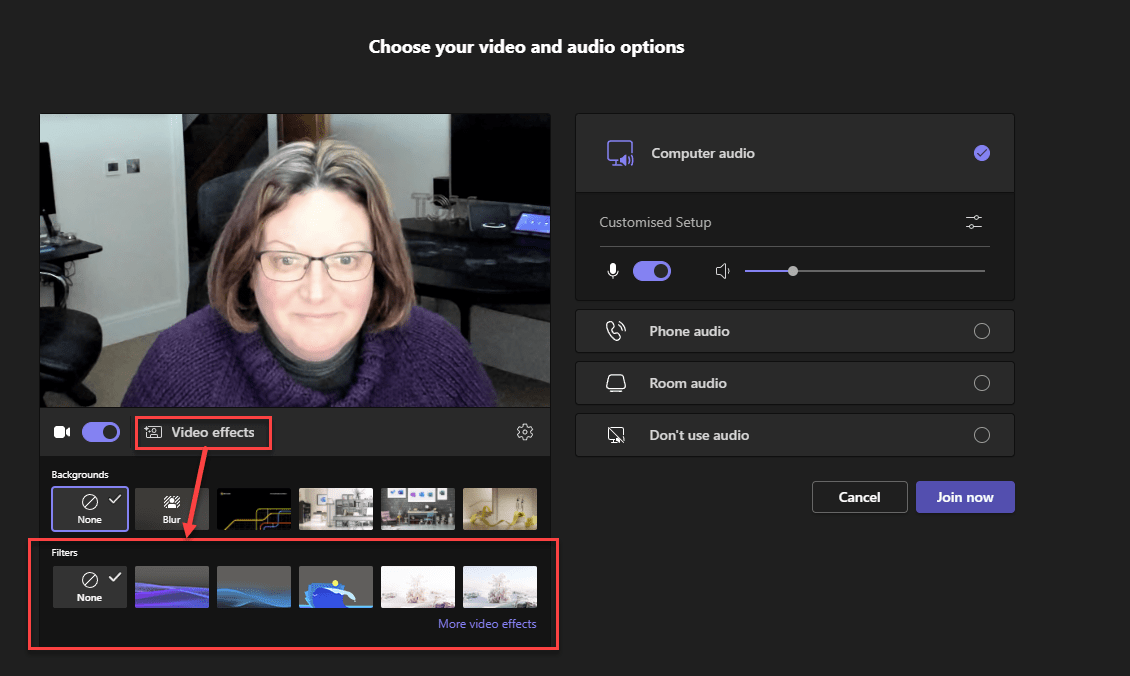
Custom Video filters are rolling out to Teams Public Preview ring at the time of writing. The Microsoft provided filters enable applying colour filters to your video feed such as Black and White And also applying a overlay Both work with virtual backgrounds and video, but will not support the upcoming Avatars. Whilst this featureContinue reading “Custom Video Filters”
Sensitivity Labels in Teams Meetings
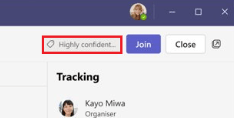
Sensitivity labels can now be assigned to meetings as part of Teams Premium. This provides the ability to limit access to the meeting invite and responses in Outlook and Teams as well as the meeting and chat in Teams as well as enforce meeting options for the meeting. Sensitivity Labels will be best used inContinue reading “Sensitivity Labels in Teams Meetings”
Teams Premium End-to-End Meeting Encryption
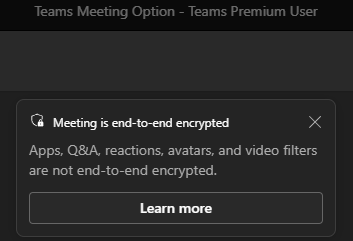
Included in Teams Premium end-to-end encryption for meetings provides an additional layer of security
Teams Premium Meeting Customization
Exploring the Meeting customization features of Teams Premium
 The Teams Queen Blog