

A little while ago people kept saying to me “I still can’t see your presence”. For some reason my Teams online presence was not showing for people outside my organisation, no matter how many time I reset it, whilst it was still visible to my colleagues. I then did a bit of testing and discoveredContinue reading “The Disappearing Presence Mystery”
Category Archives: Admin
Setting Up Viva Insights With Per User Plan

Getting started with Viva Insights Per User Plan
Retention Policies for Microsoft Teams Private Channels

One of the challenges with Private Channels in Microsoft Teams since they first launched has been retention. Now with the general availability of retention policies in for private channels, this is now in the past.
Using eDiscovery to find Teams Data

eDiscovery is used to conduct content investigations in Microsoft 365. There are 3 eDiscovery solutions with slightly features. All 3 can be used to discover Teams data, though not ALL Teams data is discoverable.
Here comes Viva Learning

Setting up Viva Learning for your organisation.
Organisation Wide Backgrounds

With background effects coming to Teams for the web, providing your users with organisation standardised backgrounds is going to be even more useful. If like me you’ve been looking in vain for the organisation wide backgrounds in Microsoft Teams, then you too have probably been looking in the wrong place. The articles I read allContinue reading “Organisation Wide Backgrounds”
MS-700 Useful PowerShell – Part 1
First in a series designed to support those studying for the MS-700 exam to appreciate how to do many of the tasks in the course using PowerShell.
My First Custom Together Mode Scene
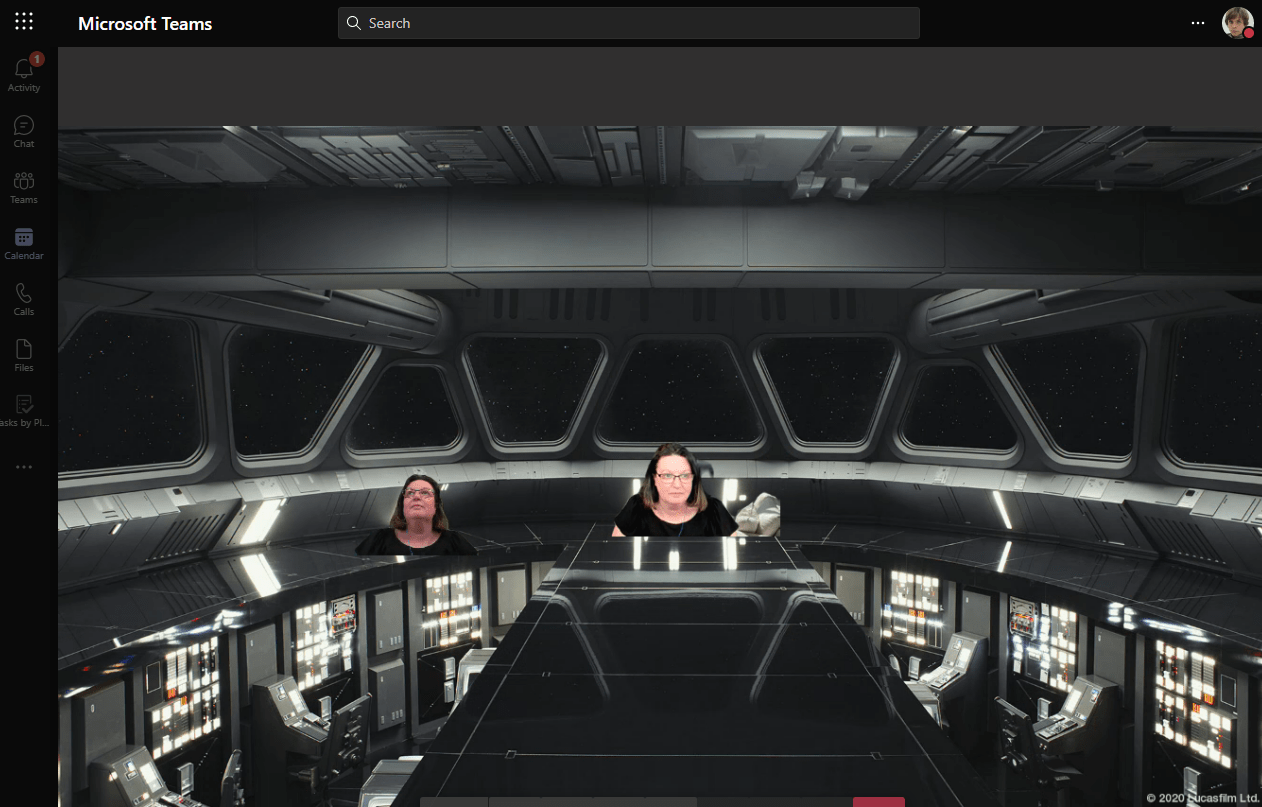
To accompany Build 2021, there is a new Teams blog with enhancements for developers. Have a read at https://techcommunity.microsoft.com/t5/microsoft-teams-blog/microsoft-teams-announces-new-developer-features-build-2021/ba-p/2352558 What caught my eye was the Together Mode custom scenes and it is surprisingly simple. Here’s the official guide https://docs.microsoft.com/en-us/microsoftteams/platform/apps-in-teams-meetings/teams-together-mode To create your own to test, navigate to https://dev.teams.microsoft.com/scenes and sign in with your Microsoft 365Continue reading “My First Custom Together Mode Scene”
Busy on Busy Options – Teams Calling
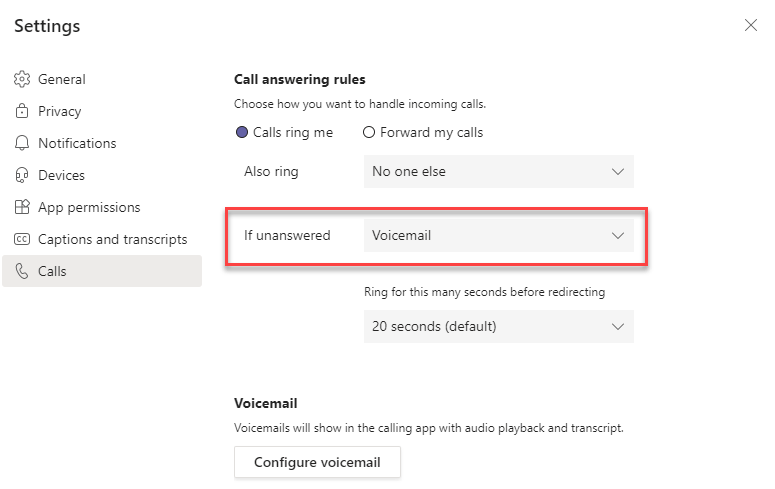
New options for call handling when a user is busy are availalbe and can be set now using PowerShell. The option will eventually also be availalbe via the Teams Admin Center in Calling Policy. Call handling when a user is already in a call is called Busy on Busy and by default is off inContinue reading “Busy on Busy Options – Teams Calling”
Enable Stretchy Meetings & Webinars
OK, so Microsoft don’t call them Stretchy Meetings. Officially they are meetings with view-only attendees but a meeting that can grow to accommodate more users to my mind is stretchy. But that’s enough about the title of this blog. In two recent message center posts Microsoft announced the rollout of webinars and view only attendeesContinue reading “Enable Stretchy Meetings & Webinars”
 The Teams Queen Blog